

New Microsoft Docs pages have surfaced, providing detail on how to implement applications that enhance the Microsoft Teams meeting experience.
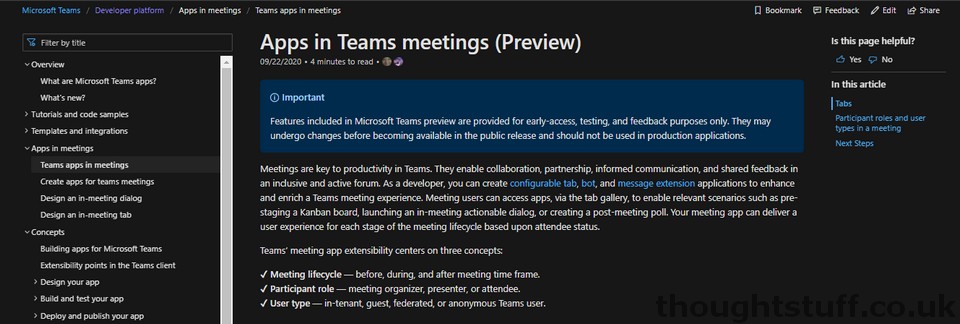
This functionality was first announced at Inspire 2020, but implementation guidance has been light until now.
There are 4 key pages of interest:
- Teams app in meetings
- Create apps for Teams meetings
- Design an in-meeting dialog
- Design an in-meeting tab
The functionally breaks up into 3 key areas: pre, during and post meeting experiences.
From first glance (I’m still digesting this) it looks like pre and post-meeting experiences are standard-looking tabs that are exposed alongside the Chat/Details/Files tabs. There is a new tab scope of groupchat to support this.
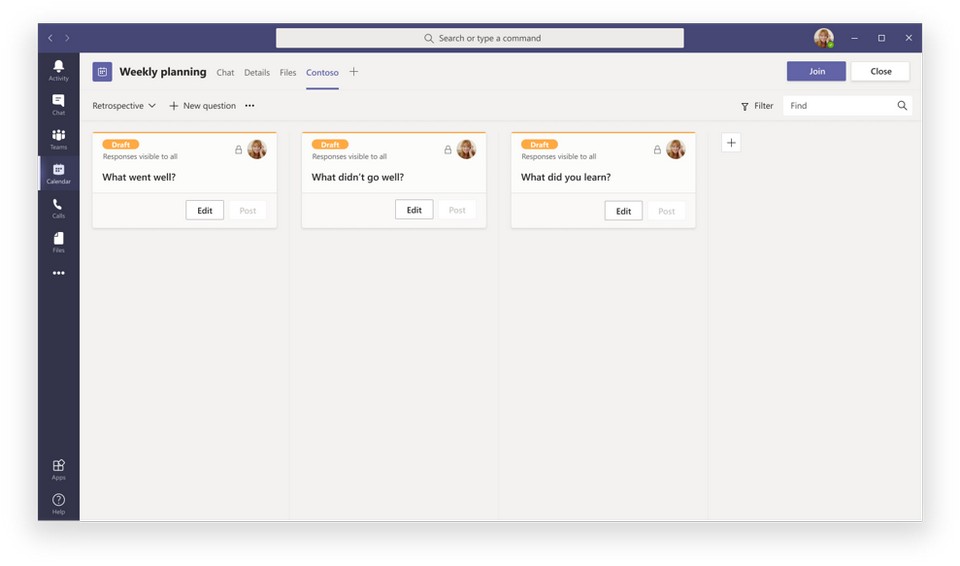
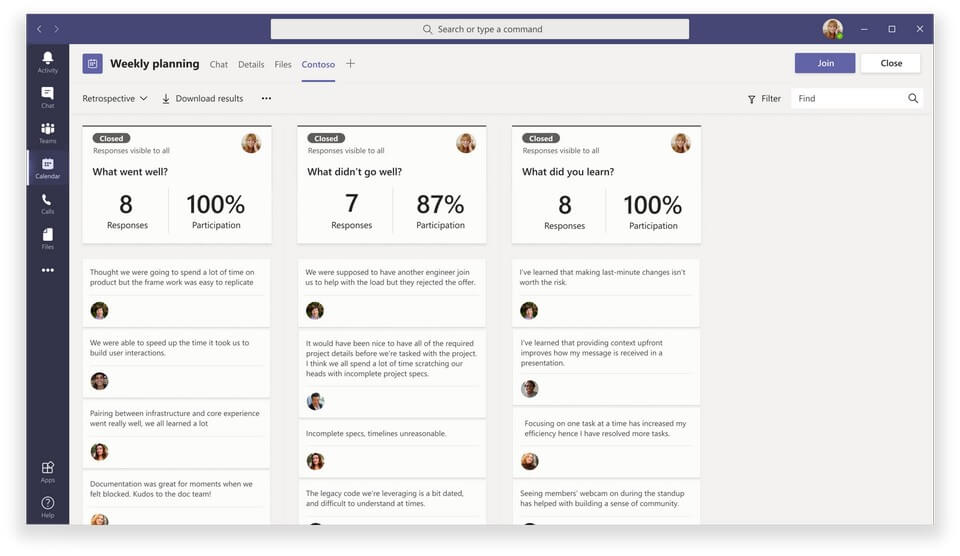
The in-meeting experience consists of a mixture of side panels (a web pane for content) and dialogs to either promote important content or get feedback/actions from attendees.
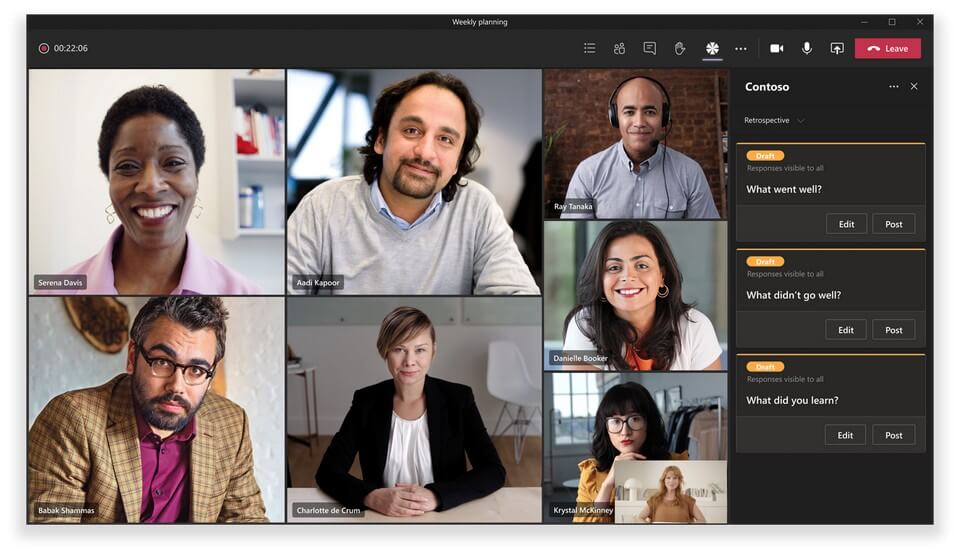
It also appears that bot support is extended to meetings as well. Right now, there is no support for the Bot Framework SDK with this, but it’s coming soon.
There is also support to enable apps to get the context of the meeting they are operating in and the participants via specific API URL parameters, available as part of the Teams Client SDK.
Microsoft Ignite
For more information about creating apps for Microsoft Teams meetings, check out the session Build richer meetings experiences with Microsoft Teams apps using new meetings extensibility points which is sure to provide more context and examples.
[box type=”info”] You can also now read my notes from this session here: Notes from: Ignite 2020 OD250 â Build richer meetings experiences with Microsoft Teams apps using new meetings extensibility points[/box]
Related posts:
 5 Microsoft Ignite Sessions I’m looking forward to
 Weekly Update 18 September 2020 – Creating Teams meetings as an application, Ignite Sessions, Teams Virtual Photo Booth, Changes to Teams Bot APIs
 You can now create Microsoft Teams meetings as an application without a users needing to be present: here’s how to use Application Access Policy
 Microsoft announces Public Preview of Call & Online Meetings API for Teams
How to: perform Text-To-Speech (TTS) with a Microsoft Teams bot using Bing Speech API and Teams Calls & Meetings API
Microsoft announces Public Preview of Call & Online Meetings API for Teams
How to: perform Text-To-Speech (TTS) with a Microsoft Teams bot using Bing Speech API and Teams Calls & Meetings API